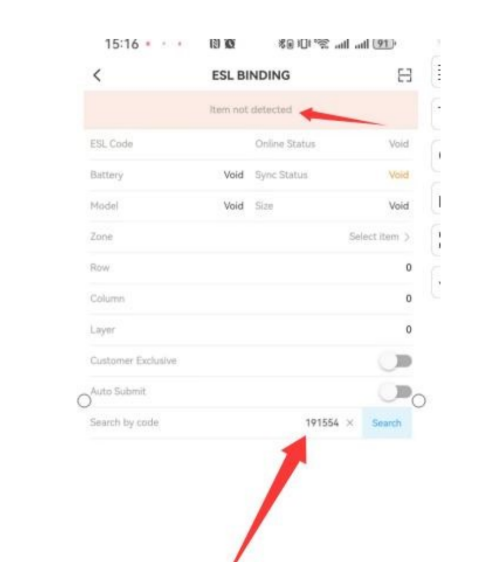
- Product not recognized
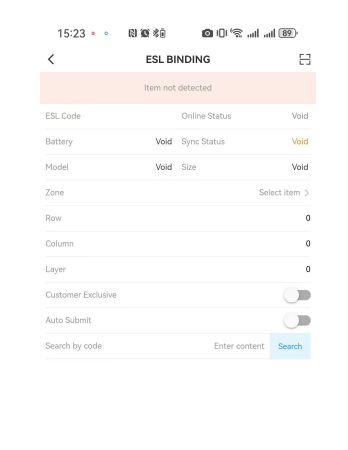
Solution: Go to “Product Manage” on the Biz website to check the product code and verify if the product information is correct. If item # is wrong or not exited, contact the POS system API personnel to solve the problem. #
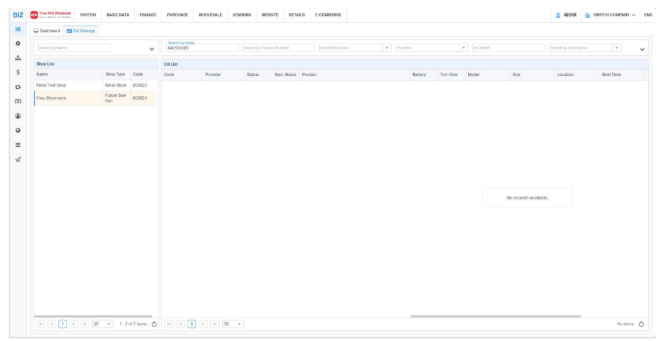
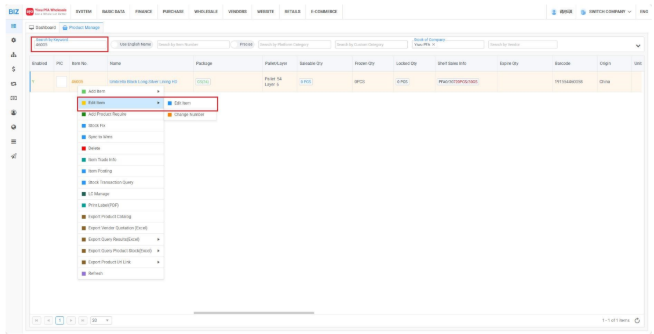
- ESL Binding Failed
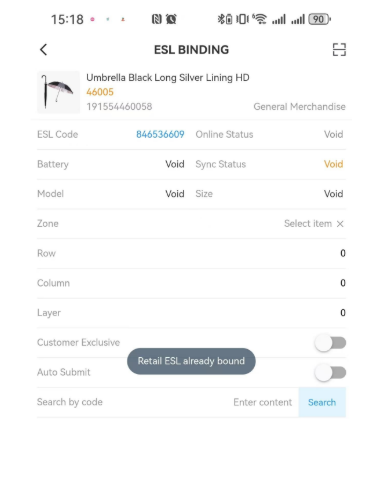
Solution: The ESL has already been linked to another product.You need to first unbind #
the ESL from the current product and then rebind it. #
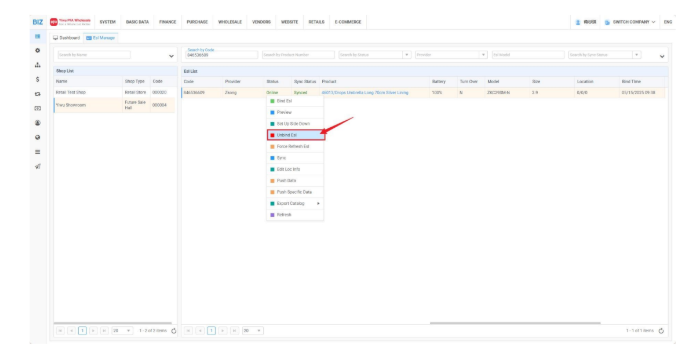
Open ESL manage, scan the ESL code, and unbind this ESL. #
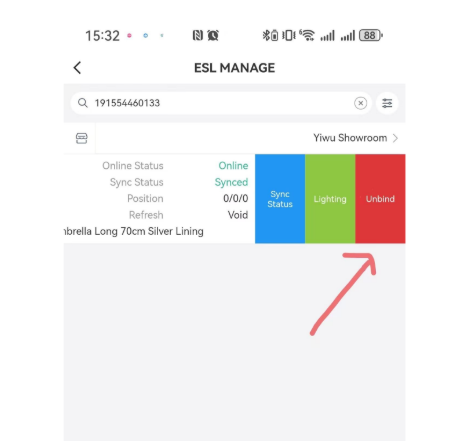
- No corresponding product found when entering the ESL Code for query
Solution: Exact search is currently in use, so the full UPC code must be entered. #
- After the ESL is unbound, the information on the label interface remains unchanged.
Solution: The ESL may respond with a delay. You can check the “ESL Manage” section #
in the BIZ system. #
If the label is found there, unbinding has failed; if it isn’t found, unbinding has #
succeeded, just wait for it to reflash or contact the china team. #
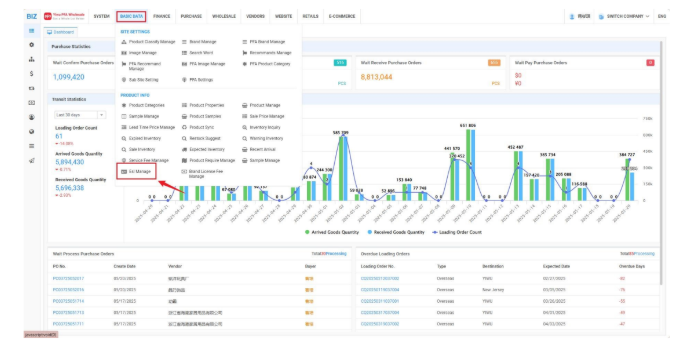
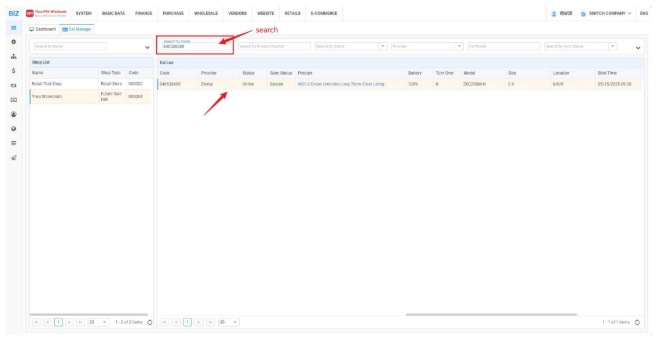
You can click on the price tag information, and right-click to select “Unbind Esl”.