1. Log In to the System #
Go to: http://esl.pfa.com/admin/auth/login
Use the login credentials for the store you want to access.
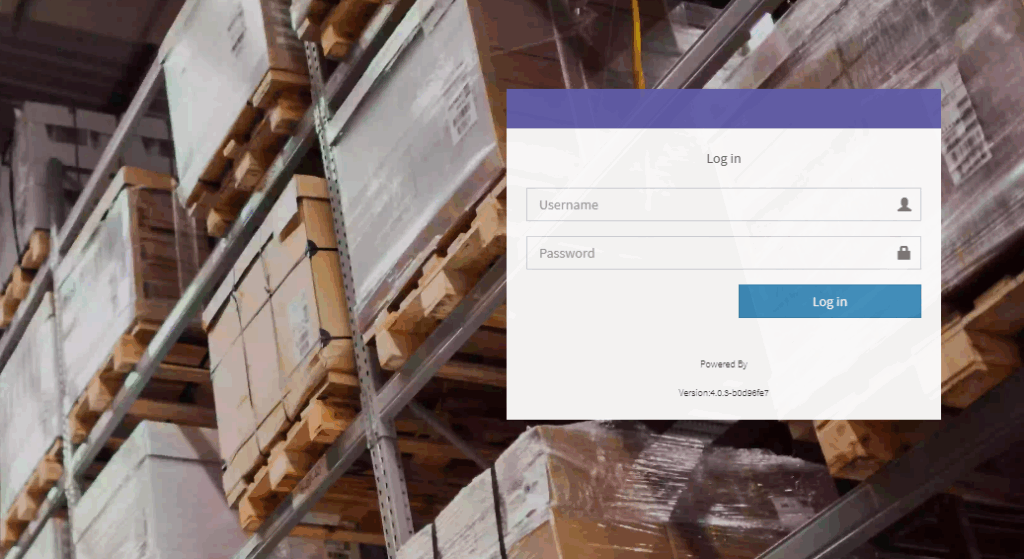
2. Change the Language setting to your preferred language #
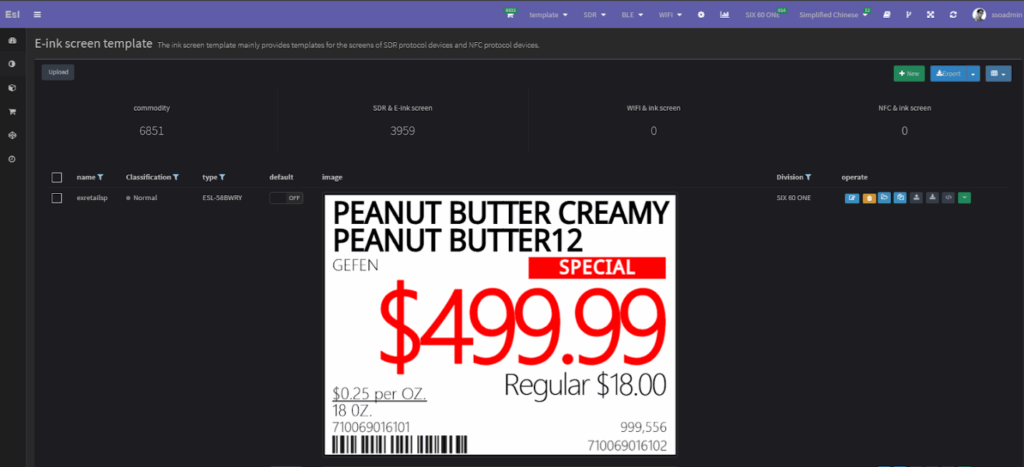
3. Navigate to Device Settings #
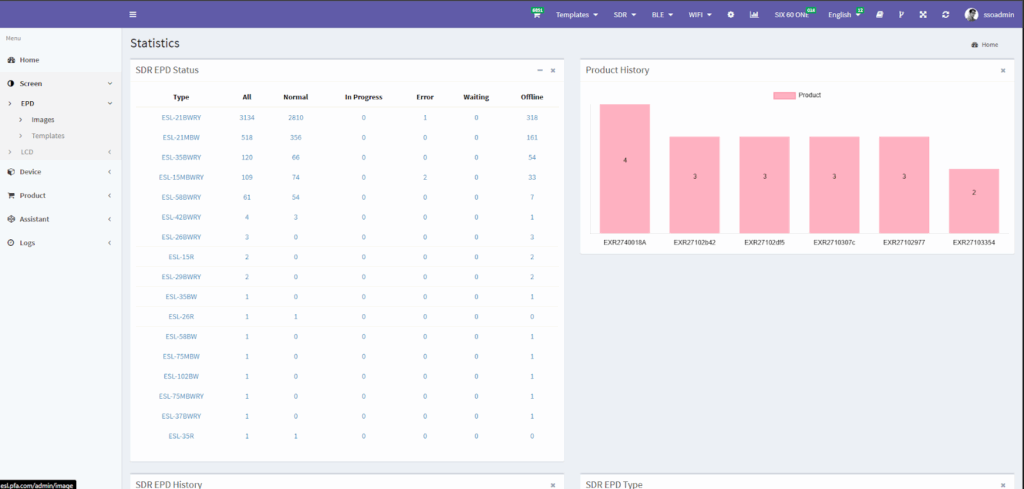
● After logging in, click on “Screen” in the menu.
● Under EPD, click on “Templates”
4. Template Details #
On the right side under “Operate,” other accessible options like downloading or copying the template can be found